



Why You Need This Feature
- Reviewing hours of video without context is time-consuming and error-prone.
- FireLight™ transforms passive footage into an interactive tool that accelerates investigations, enhances operator focus, and facilitates accurate incident documentation.
- Whether live or recorded footage, these tools help your team respond more quickly, document information clearly, and investigate with greater confidence.
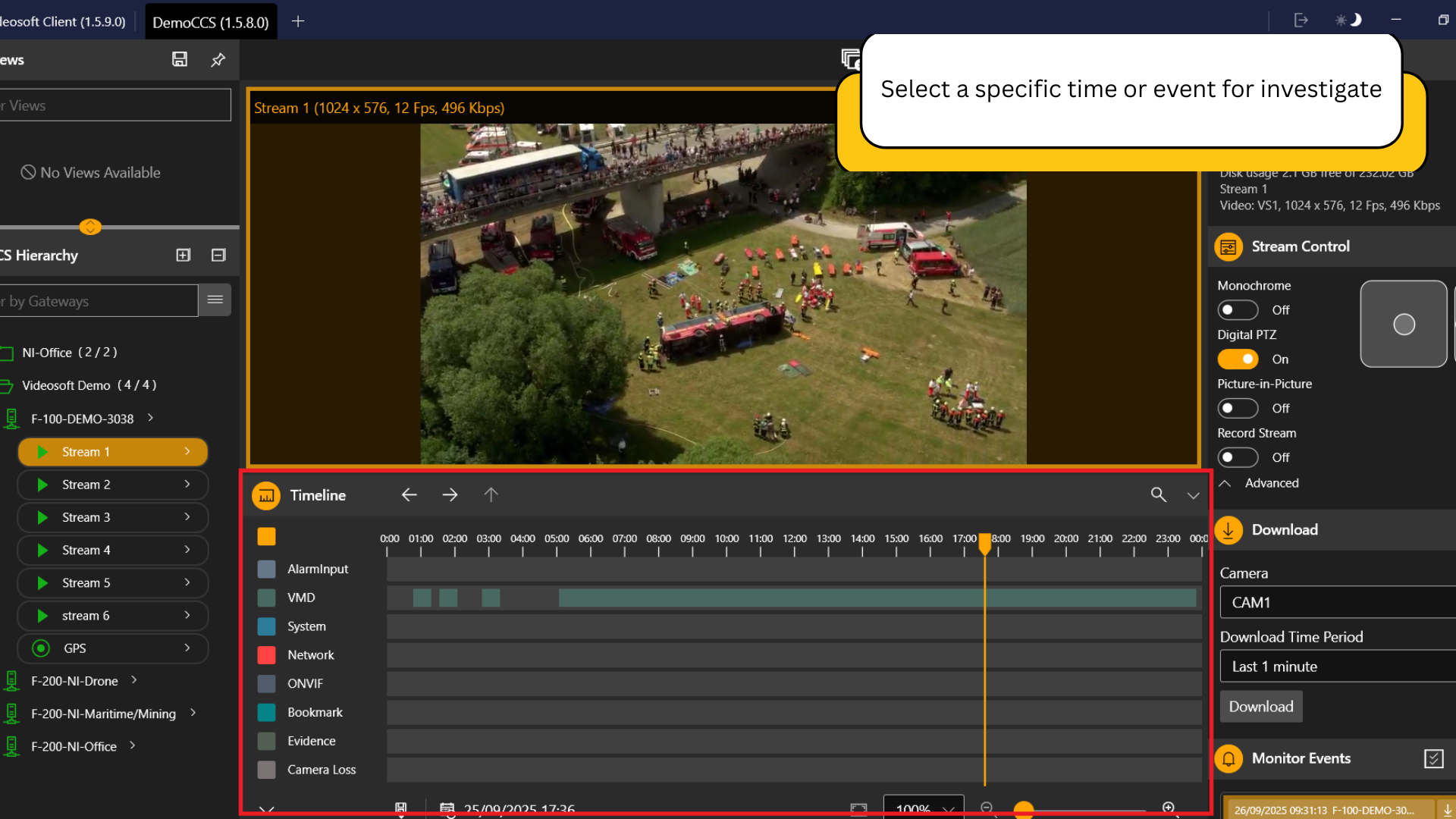
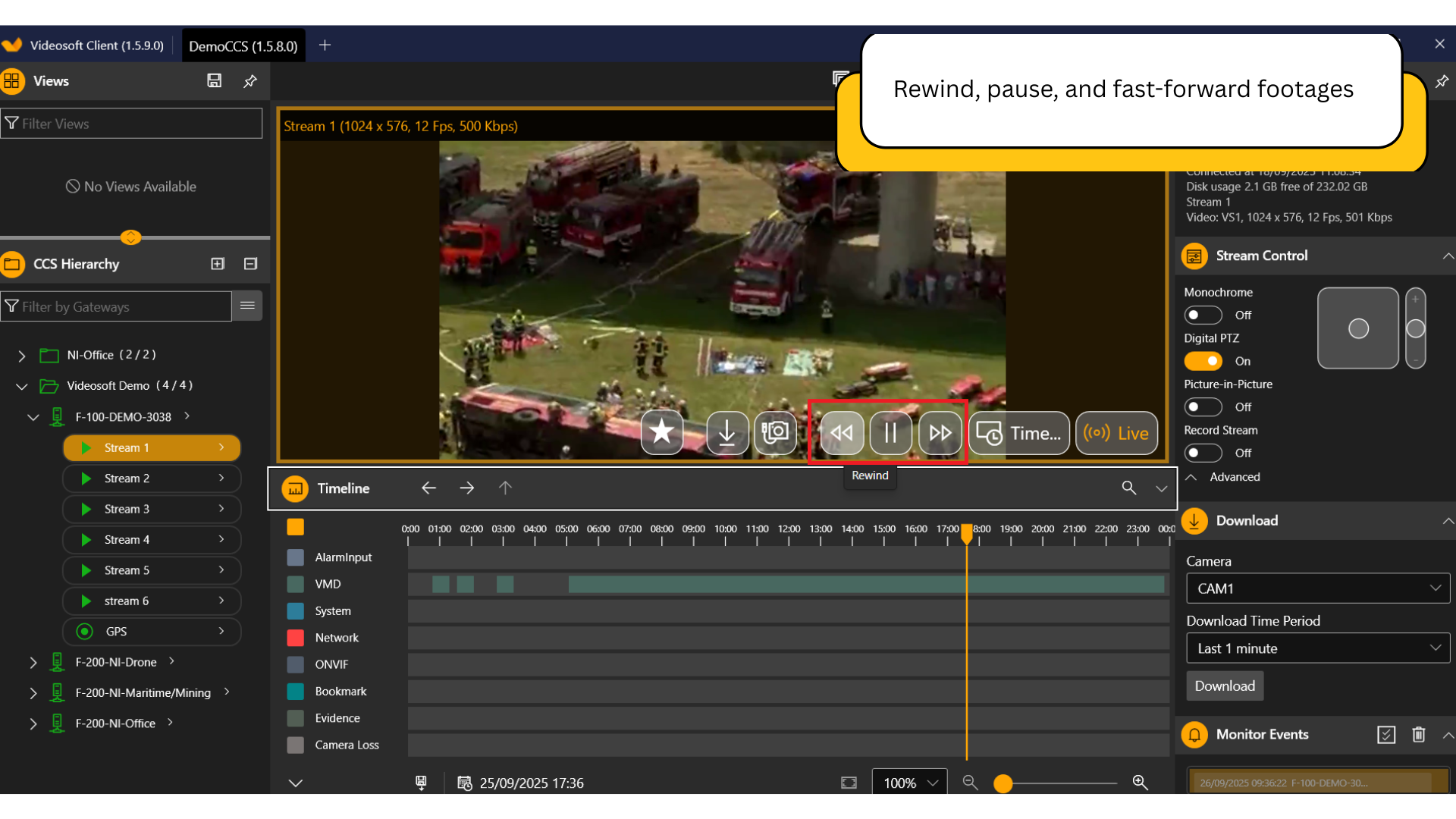
Value and Benefits:
Accelerates Video Review
Find key footage in seconds instead of manually scanning hours of video.
Improves Evidence Accuracy
Extract precise timestamps and frames for high-integrity reporting or legal use.
Supports Mission Replay and Debrief
Review incidents as they unfold across multi-stream timelines.
Enhances Operator Focus
Intuitive controls reduce screen fatigue and provide faster insights during both live and retrospective operations.
Works Across Environments
Ideal for drones, vehicles, fixed cameras, and remote field deployments.
Integrates with Other Features
Bookmarks, alerts, and evidence tagging appear directly on the timeline.
Ready to transform your real-time video streaming experience?
Book a live demo, because seeing its capabilities is the best way to understand its full potential.
REQUEST A DEMO
Frequently Asked Questions
Can I quickly jump to a specific time or event?
Yes. You can jump to any timestamp or use visual event markers and bookmarks to go directly to important footage.
Can I rewind or fast-forward in both live and recorded video?
You can rewind, pause, and fast-forward any recorded footage. In live monitoring, you can also activate a replay buffer if configured.
How precise is the timeline control?
You can scrub to the second or review footage frame by frame, depending on the recording resolution and stream settings.
Can I export video segments directly from the timeline?
Yes. You can select a different timeframe and export the segment with full metadata and integrity tags.